

feature
SDK 0.2.3 — interactive avatar SDK, offline timelines, unified streaming
The SDK is now two packages —@mascotbot/core and @mascotbot/react — a single composable surface for real-time interactive avatars. Continuously-updated models and assets are delivered from Mascotbot; you ship the avatar. The documentation has been rewritten end to end for the new surface.- Real-time pipeline — audio in, animated avatar out; one composable surface.
- Serializable offline timeline —
processAudio()returns a versionedVisemeTimeline. Persist it as JSON and replay later with zero reprocessing viaparseTimeline+setTimeline. - One streaming hook —
useLipsyncStreamhandles live audio withsource: mic | mediaStream | manual. - Realtime, your way — wire OpenAI Realtime, Gemini Live, or ElevenLabs with their own SDKs and tap the audio;
createPCMStreamPlayerplays raw-PCM providers and exposes the tap. - Focused Rive surface —
useMascotRive+useMascotInputs(withhas()); the SDK writes only mouth,is_speaking, andstress— everything else stays yours. - Private registry install —
npm.mascot.botwith an.npmrctoken;mascot_dev_…for localhost,mascot_pub_…for production.
feature
Ship your agent on your own domain
Attach a subdomain or apex to any hosted agent, then set a per-agent page title, description, OG preview, and favicon so shared links look like yours — not ours.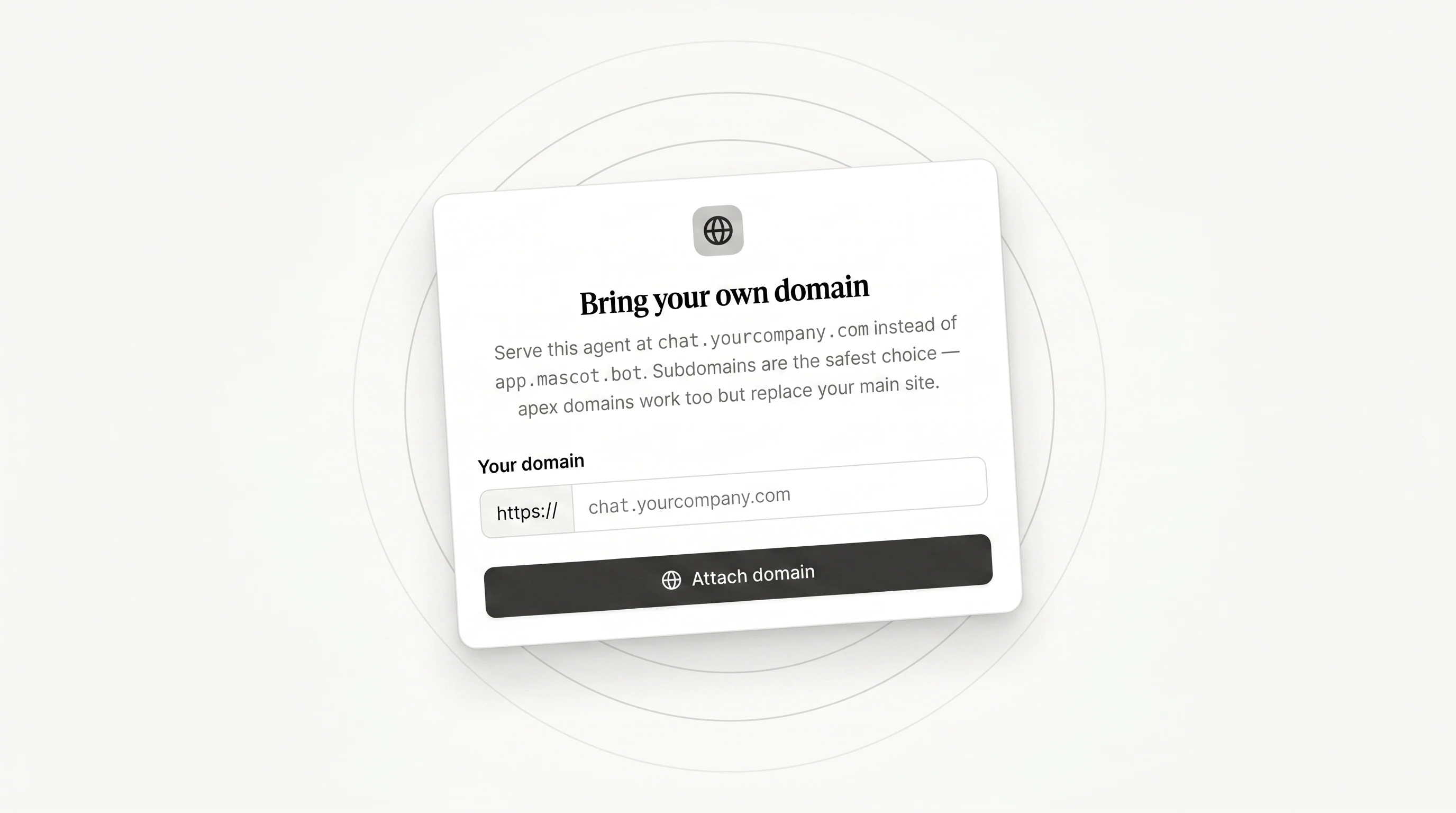
- Custom domain attach via the Vercel Domains API — paste the hostname, copy one DNS record, we auto-poll and verify the moment propagation lands.
- Per-agent SEO:
<title>, description, OG image, favicon — with a live Slack / Twitter / browser-tab preview right next to the inputs. - Works for both standalone and widget-hosted agents, subdomain or apex.
feature
A lipsync playground against real voice streams
The new/lipsync-test tool lets you upload any Rive mascot, wire a Gemini Live session or plug in your own ElevenLabs agent, and dial every SDK knob — critical-viseme holds, min intervals, transition speeds — while the mascot responds in real time.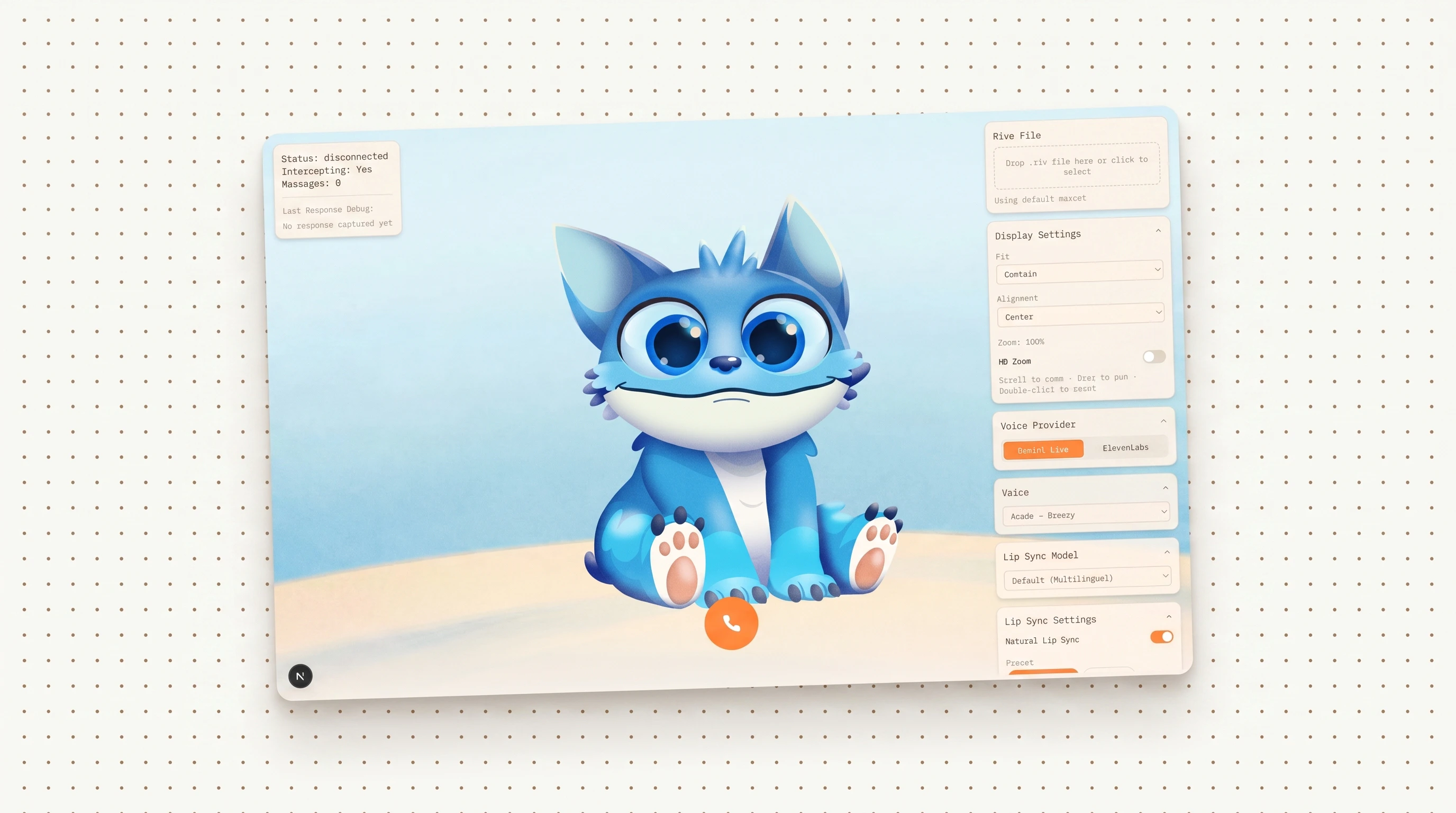
- Switch providers on the fly: Gemini Live (preset) or paste your own ElevenLabs API key + agent ID — credentials stay in your browser.
- Every
NaturalLipSyncConfigfield is a live slider; changes apply mid-call without resetting playback. - Chip selector for the critical viseme set (r, l, f/v, p/b/m by default; toggle any of 21 to taste).
- Replay captured responses against tweaked settings to A/B feel without re-speaking.
- Upload any
.rivfile to test your own mascot; HD-zoom + pan the canvas to inspect mouth shapes.
feature
Tune your mascot’s lipsync mid-call, without reset
Mascotbot SDK0.2.0 adds critical-viseme holds, a configurable critical set, and a live-update pipeline — every phoneme knob now takes effect on the next viseme chunk, mid-call, without breaking the stream.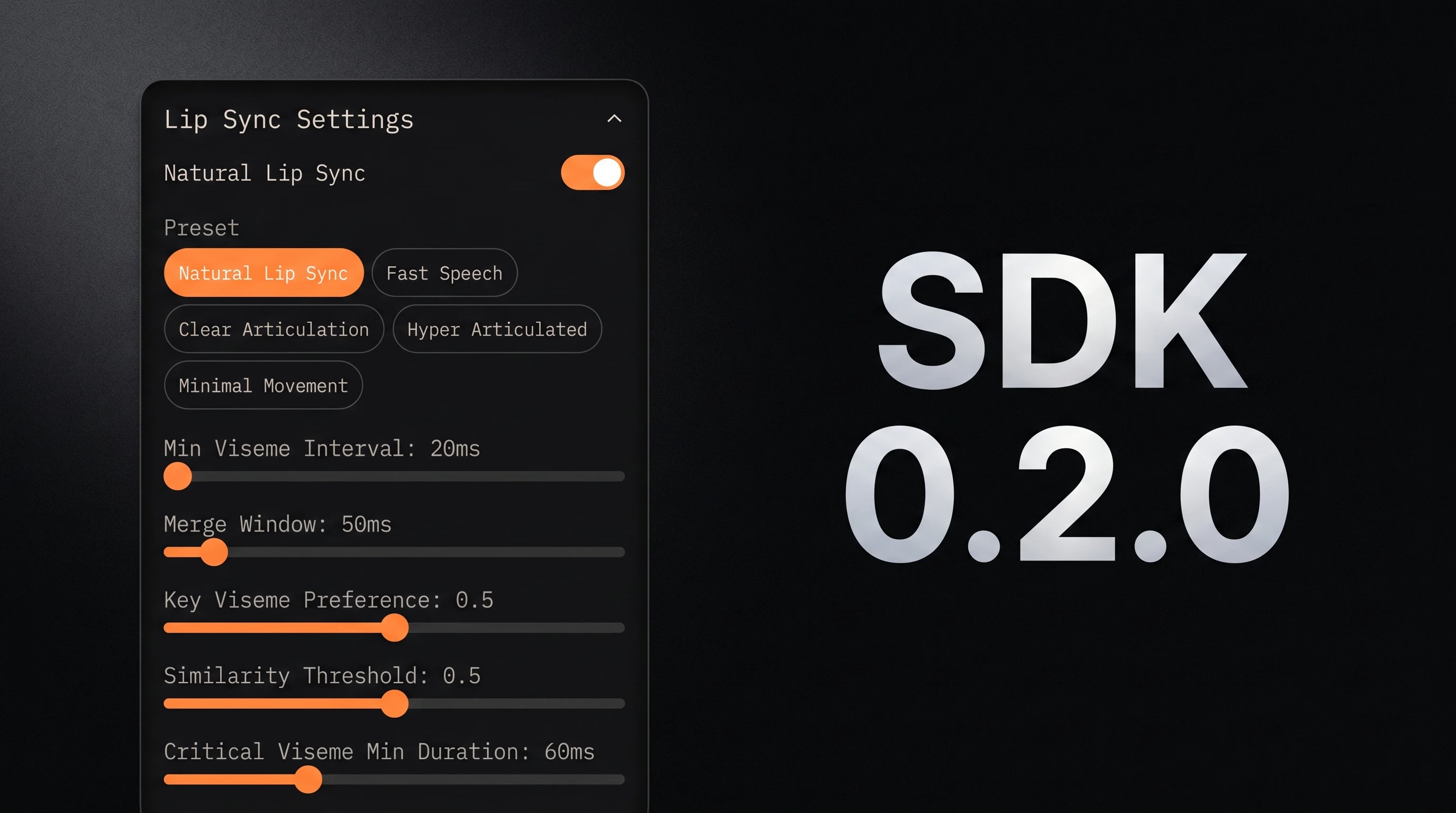
criticalVisemeMinDurationholds u/o/r/l/f/v/p/b/m phonemes long enough to register, dropping any non-critical viseme that would interrupt the hold window.criticalVisemeIdsexposes the critical set — drop vowels, add sibilants, whatever fits your character. ExportsDEFAULT_CRITICAL_VISEME_IDSfor consumers to derive custom lists.desktopTransitionSpeed/mobileTransitionSpeedset the mouth-blend rate; default bumped from11→22for snappier blends.- Config edits now flow through the active
MascotPlaybackin place; slider tweaks and preset changes don’t tear down the stream. - Rive runtime bumped to
@rive-app/react-webgl2@4.28.1/@rive-app/webgl2@2.37.2— latest upstream fixes and perf work on the WebGL2 renderer. - Perf tuning validated on
/lipsync-test: memoized side panels, ref-based viewport pan/zoom, identity short-circuit on per-chunk config sync, NoiseOverlay visibility gate.
Feature
Clone a persistent voice AI agent for React and deploy in 30 minutes
The newreact-website-demo template is a Next.js 16 starter with an ElevenLabs voice widget that survives every page navigation — no re-init, no lost context — plus a companion tutorial that walks through the Context + Router pattern behind it.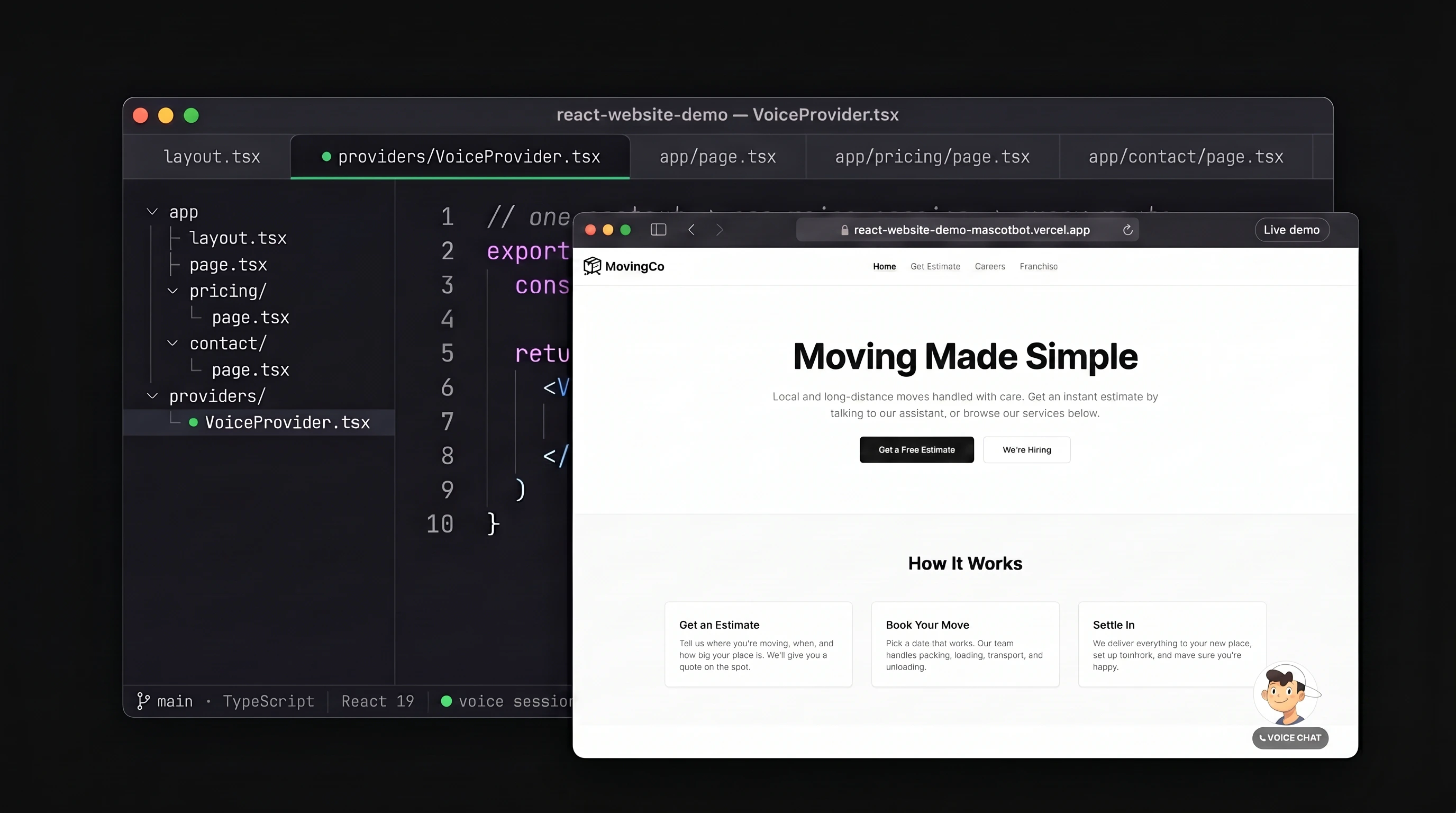
- Persistent across every route — voice session lives in a React Context singleton, so conversations don’t die when users click to a new page
- Three client tools wired out of the box — the agent reads/writes your form, routes between pages, and triggers CTAs
- Full stack — Next.js 16, React 19, TypeScript, ElevenLabs Conversational AI 0.5, MascotBot SDK 0.1.9
- <300ms voice latency · 30–45 min setup — clone, set three env vars, one-click deploy to Vercel
- Companion tutorial walks through the Context + Router pattern so you can adapt it to any React app
Feature
Drop a voice avatar onto any website with one line of HTML
Design your widget visually in the dashboard — size, paddings, mobile overrides, custom button label — then paste a single<script> tag to ship it. Resize or restyle anytime; the live widget updates instantly without re-pasting the embed.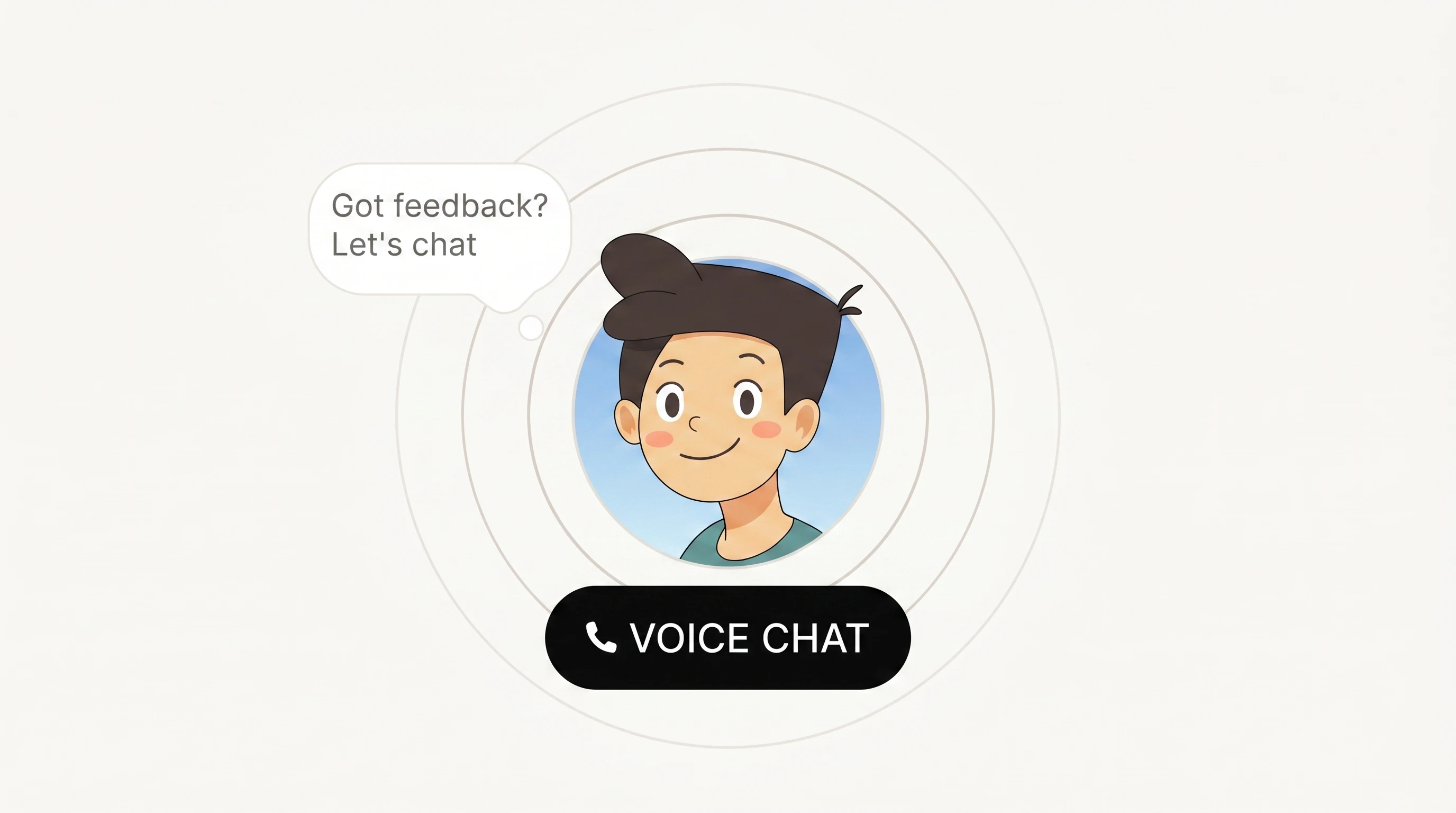
- Visual builder with live desktop + mobile previews — drag sliders or type exact pixel values
- Optional mobile-specific size + paddings with a configurable breakpoint
- Bring your own Rive mascot or pick from the preset library
- Pick any provider under the hood — ElevenLabs, Gemini Live, or OpenAI Realtime
- Custom idle-state label on the Voice Chat button, plus an optional first-load reveal animation
- Embed script auto-syncs from saved settings — no re-paste required after a redesign
Feature
More hours per dollar on every tier, with new Growth and Scale plans
Pro now includes 150 hours of lipsync at the same $149/month (2× the old allowance), Business drops overage rates by 75%, and two brand-new tiers (Growth $499, Scale $999) cover production workloads up to 5,000 hours per month. Existing subscribers are grandfathered on their current pricing.- Starter — $49/mo · 20 h · $2.99/h overage (unchanged)
- Pro — $149/mo · 150 h (was 75 h) · $0.90/h overage (was $2.48/h)
- Business — $299/mo · 600 h · $0.60/h overage
- Growth (new) — $499/mo · 1,500 h · $0.45/h overage
- Scale (new) — $999/mo · 5,000 h · $0.25/h overage
- Yearly plans still get 20% off
- Existing customers stay on their current pricing indefinitely — no migration
Feature
Host voice agents on Gemini Live or OpenAI Realtime, not just ElevenLabs
Pick your preferred real-time model when creating a hosted agent — ElevenLabs, Gemini Live, or OpenAI Realtime — and get the same lip-sync, gestures, and public share link across all three.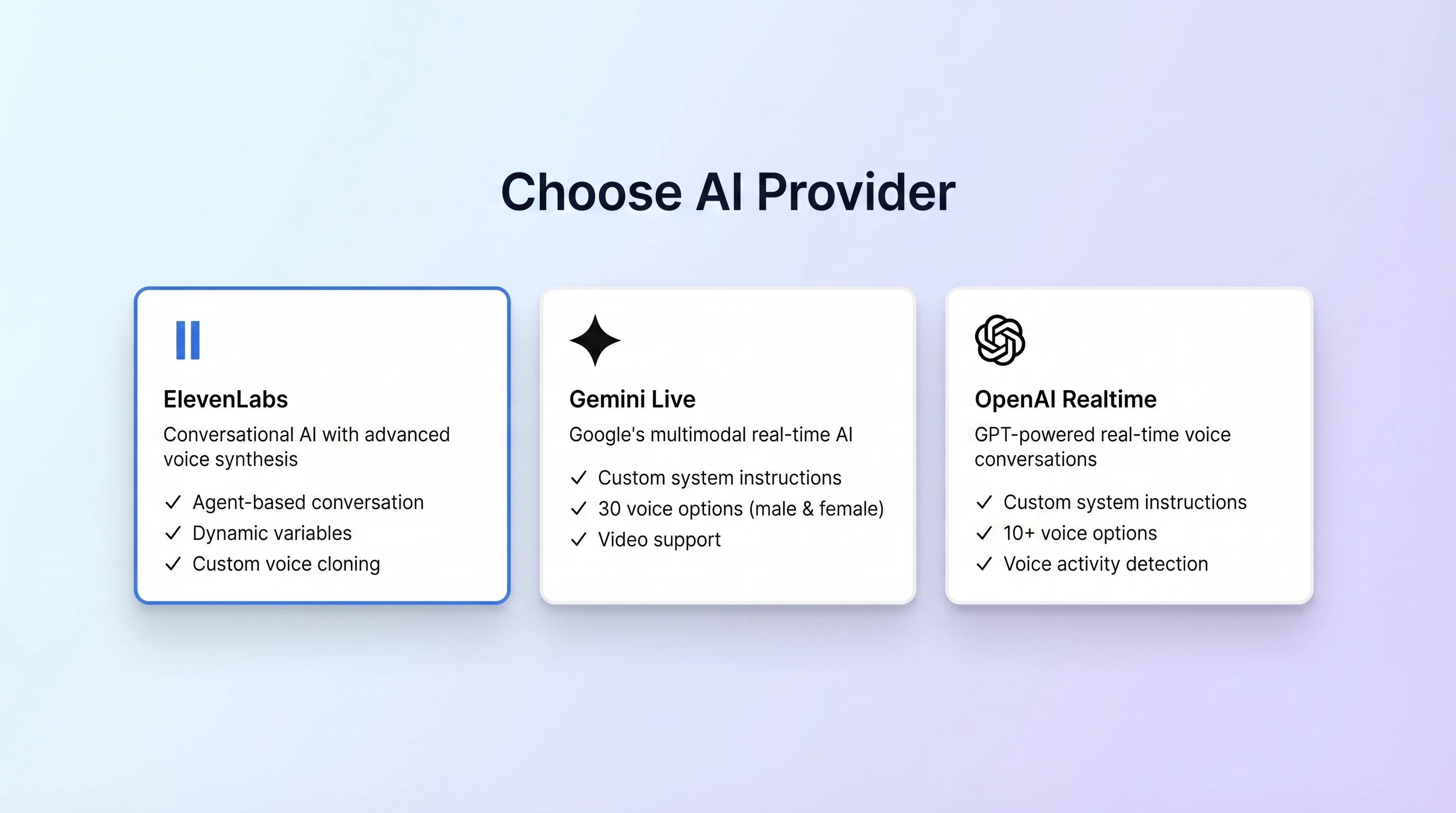
- Provider selector in the agent creation wizard; each agent is locked to one provider for its lifetime
- Gemini Live — 30 Google voices, custom system instructions, configurable model, optional initial greeting
- OpenAI Realtime — 10 voices (marin, cedar, alloy, …),
gpt-realtimemodel, tunable voice-activity detection - Video input — Gemini agents accept live camera frames for vision-aware conversations
- API keys stay encrypted server-side (AES-256-GCM); clients only ever see 9-minute ephemeral tokens
- Works in both the standalone share link and the embeddable widget